
GoldsBet Login
Get back into the action. Use the GoldsBet login page to access your wallet, check live odds, and play real money casino games safely.
How to Sign In
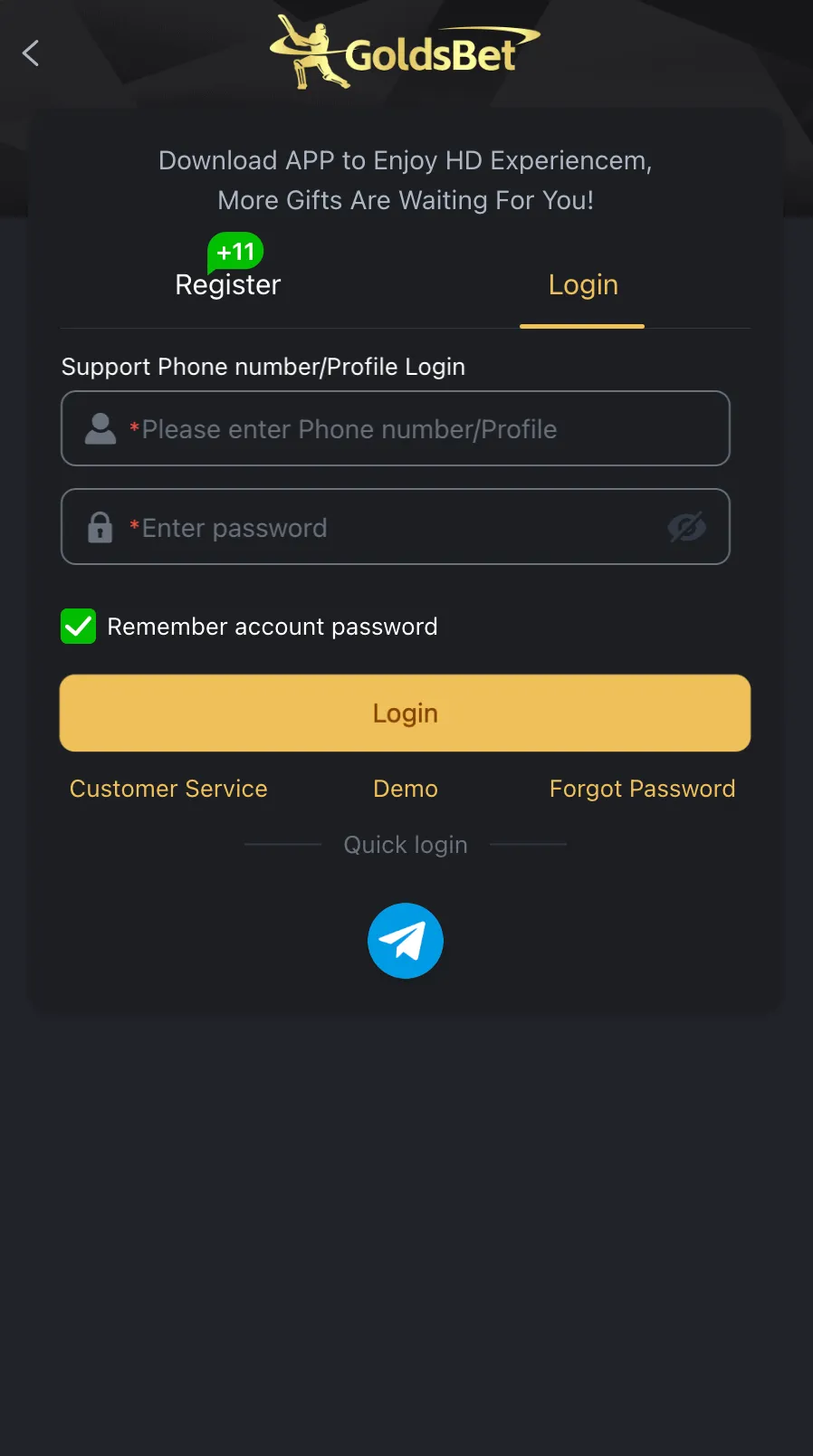
Enter the exact phone number or email you used when you registered. Type your password carefully.
If you enter the wrong password too many times, your account will lock for security.
Password Reset
Forgot your password? Click the reset button on the login screen.
We will send an OTP (One Time Password) to your phone. Enter it to create a new password.
App Login (APK & iOS)
If you play on Android, download the official GoldsBet APK from the homepage. Apple users can find the iOS version directly in the App Store.
Use your exact same phone number and password. Enable biometric login (fingerprint or Face ID) so you do not have to type your password every time.
Fixing OTP Delays
When you log in from a new device, the system texts a 6-digit OTP to your registered phone number to protect your wallet.
If the SMS is delayed, do not click resend immediately. Wait 60 seconds. If it still fails, check if your network is blocking shortcode messages.
Check the amount and account details.
Payment details, limits and bonus terms can change. Check the GoldsBet screen before you deposit, withdraw or claim a reward.
Frequently asked questions
Quick answers about this part of GoldsBet.
Why can’t I log in?+
Double-check your spelling. Make sure your caps lock is off. If it still fails, reset your password.
Can I log in on my phone and computer?+
Yes. You can access GoldsBet from any device using the same login details.
What do I do if my account is locked?+
Contact live chat support. They will verify your ID and unlock it for you.